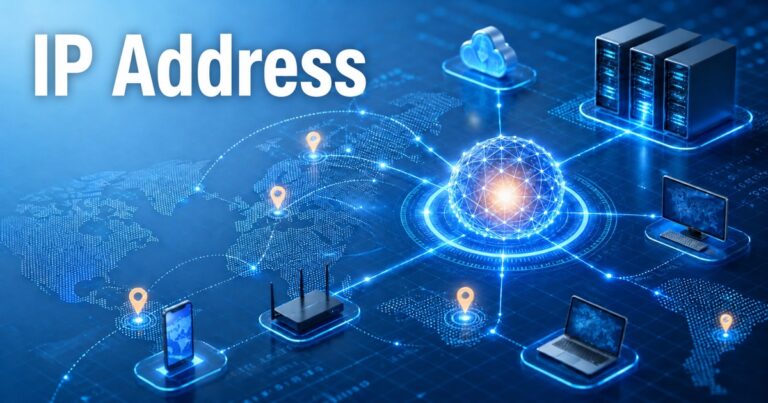
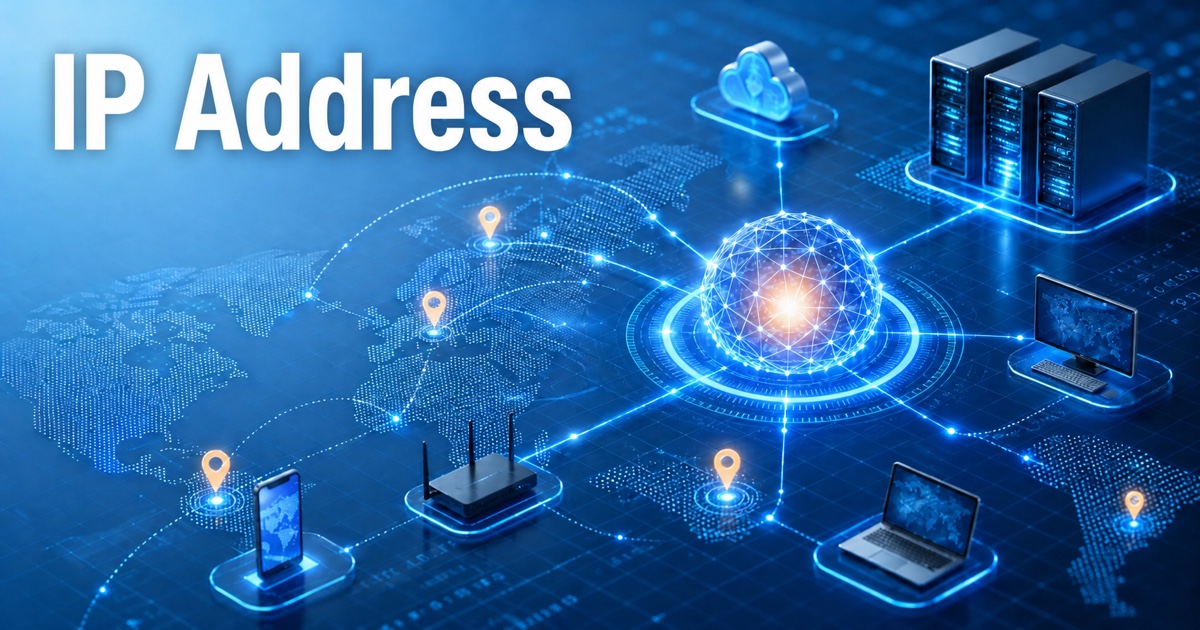
The internet is a worldwide network of billions of devices, such as computers, smartphones, tablets, servers, and smart-home devices. These devices are able to talk with each other and exchange information, access websites, send e-mail, and use online services. But how does one device know where to send information? This communication is possible thanks to an IP address.
An IP address is a numerical address that distinguishes a device or network interface from all other devices and interfaces in an IP network. It helps determine where data comes from and where it goes in online communication.
Knowing what IP addresses are is critical to learning about networking, Internet technology, and cyber security. In this article, we will delve into the understanding of IP addresses, their various types, and their role in ensuring communication between devices across networks.
What is an IP Address?
IP address is synonymous with Internet Protocol Address. A numerical identifier used to identify a device or network interface on a network using the Internet Protocol.
To communicate with each other over an IP network, every device has to be given an IP address. It is like a postal address in that it facilitates the appropriate transfer of information.
For instance, if a user accesses a Web site, the device sends a request to the Web site’s server. With the IP addressing system, it aids in routing that request and in providing the response to the correct device.
IP addresses play a crucial role in allowing devices on local networks and online to communicate with each other.
How Does an IP Address Identify Devices on a Network?
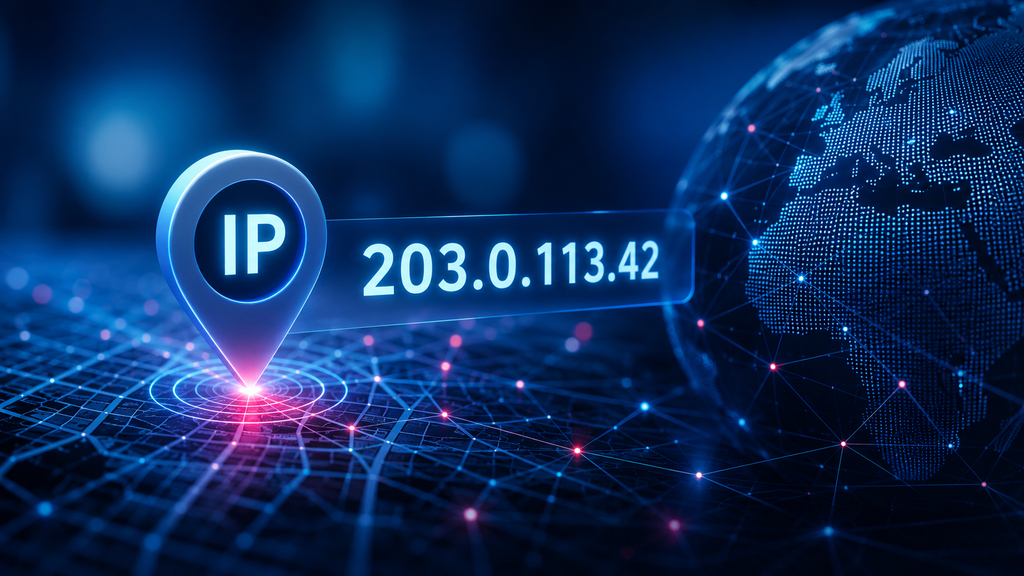
An IP address is used to identify a network interface and enable devices to communicate. There are a number of significant steps in the process.
1. Adding an IP Address
An IP address is required whenever a device is connected to a network. This address can be configured automatically by a router via Dynamic Host Configuration Protocol (DHCP) or set up manually.
For instance, if a mobile device connects to a household WiFi network, the WiFi router could be set up to use a private IP address for it.
2. Using a Single Default Directory
An IP address can be used to determine the location of a device in an IP network. Routers and other networking gear forward information to the right location by means of the data’s IP addressing information.
Hence, it is possible to communicate between computers, smartphones, printers, and servers.
3. Sending Data Packets
Information is broken into smaller “data packets” when a user accesses a website or sends a message.
These packets include vital network information, such as source and destination IP addresses. This information is used by the network devices to route the packets towards the intended destination.
4. Routing Information
Routers look at the destination IP address and apply routing information to find out what to do with the packets.
The packets can pass through several networks before they reach their final destination. Through this process, devices in various cities or countries are able to communicate.
5. Receiving the Response
When the destination server receives a request, it acts on the information and returns a response.
The answer propagates through the network towards the requester. All this takes place in the blink of an eye, enabling users to navigate websites, watch videos, and interact online.
What Are the Different Types of IP Addresses?
IP addresses are divided into categories depending on the versions and usage.
1. IPv4 Address
The Internet Protocol Version 4 is known as IPv4. One of the most popular systems of IP addressing.
IPv4 address consists of four numbers separated by dots. The range of each section is 0-255.
IPv4 has 32-bit addresses and can support up to about 4.3 billion unique sets of addresses.
2. IPv6 Address
IPv6 is an acronym for Internet Protocol Version 6. It was created to offer an expanded address space in comparison to IPv4.
IPv6 address is written in hexadecimal numbers separated by colons.
IPv6 addresses are 128-bit long and offer a vast number of addresses for today’s internet-connected devices.
3. Public IP Address
The public IP address is used to uniquely designate a network or interface on the public Internet. Typically assigned by an Internet Service Provider (ISP).
Public IP addresses are used to enable communication between networks and internet-facing services and devices outside of the network.
4. Private IP Address
Private IP Addresses are used inside a local network like a home network, a school network, or an office network.
For instance, computers, cell phones, and printers that are connected to the same Wi-Fi router can have different private IP addresses.
The addresses are not directly reachable on the public Internet.
5. IP Addresses – Static and Dynamic
Static IP address: An IP address that is assigned and does not change unless changed or reconfigured by the user.
Dynamic IP addresses are temporary and change from time to time. One of the more popular methods for handling dynamic IP assignments is with DHCP.
Often, businesses give fixed addresses to some of their servers and network services, and home networks may be based on dynamic addressing.
Why Are IP Addresses Important for Networking?
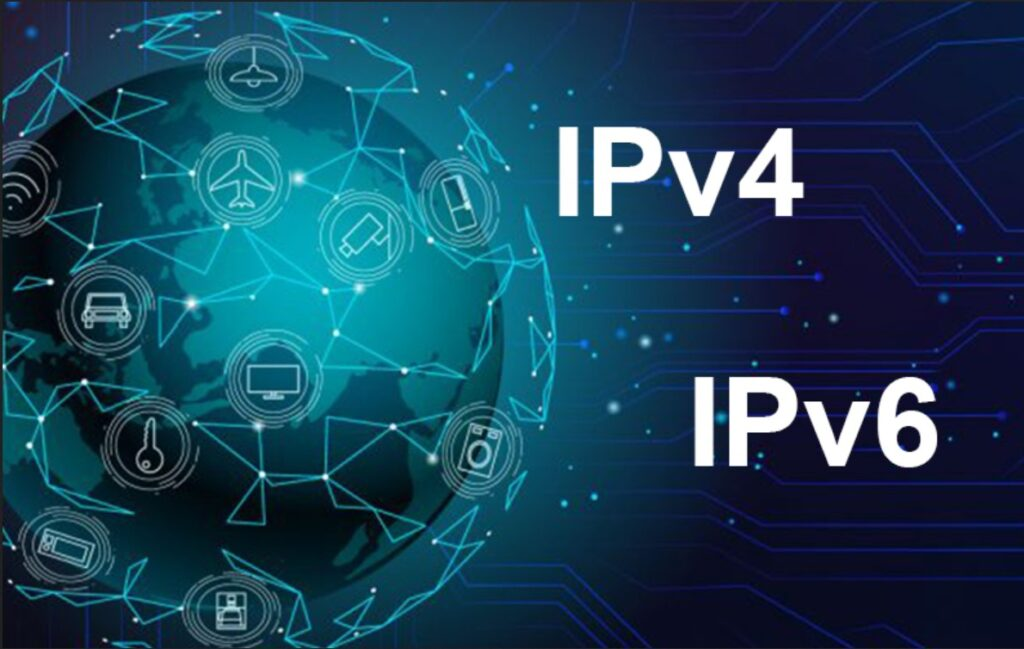
IP addresses are important because they allow communication to occur between networked devices.
These are some of the key advantages:
- Network Interfaces: IP addresses are used to identify network interfaces.
- Data Communication: They enable devices to communicate with each other.
- Access to the Internet: They provide access to the Internet.
- Network Management: Administrators can use the IP address to manage and organize connected devices.
- Troubleshooting: IP information makes it easier to troubleshoot connectivity issues and network configuration problems.
If it wasn’t for IP addressing, nothing would work as it does on the Internet today.
How Can You Find Your IP Address?
To find an IP address is easy and relies on the type of device you are using.
On Windows:
- Open the Command Prompt.
- Type ipconfig.
- Press Enter.
Under the active network connection, look for the IPv4 Address.
On Android:
- Open Settings.
- Go to Wi-Fi or Network Settings.
- Choose your network that you are connected to.
Verify the network information to confirm that the IP address is correct.
On iPhone:
- Open Settings.
- Select Wi-Fi.
- Click on the information icon next to your connected network.
- Locate the ‘IP Address’ section.
You can also use an online IP-checking service to view what the public IP address of your internet connection is.
How Can You Protect Your IP Address?
An IP address is not the same as your password, but it may provide some details on your internet connection, like an approximate geographic location or network provider.
These are the steps you can take to enhance your online privacy and security:
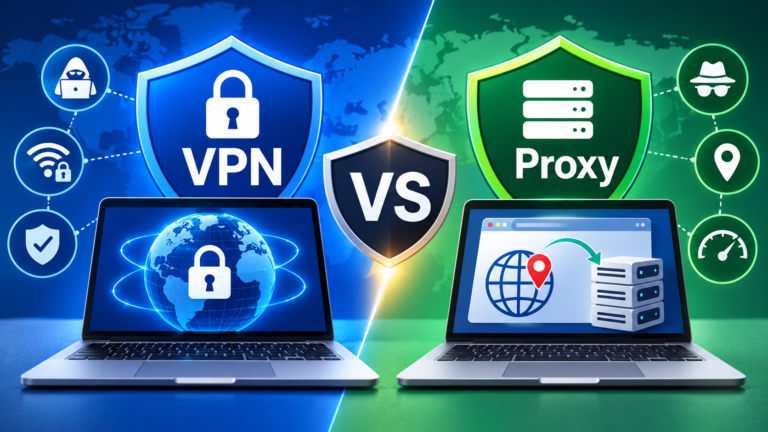
- When necessary, use a recommended VPN service.
- Ensure router firmware is up-to-date.
- Put strong passwords on the WiFi.
- Enable firewall protection.
- Stay away from shady websites and downloads.
- Update security software and operating systems.
These measures can help safeguard your network and minimize exposure to some online threats.
Conclusion
IP address is a critical component of today’s Internet communication. It can be used to identify network interfaces, route data packets, and to enable devices to communicate over local or global networks.
Each type of address has its own specific use in networking, such as IPv4, IPv6, public, private, static, and dynamic addresses. With a good grasp of the concept of an IP address, users can learn to better manage their internet connection, troubleshoot network problems, and ensure their online security.
In the future, as more devices become connected to the internet, IP addressing will remain a vital component in creating reliable and efficient digital communication systems.
Frequently Asked Questions (FAQs)
1. In simple terms, what is an IP address?
An IP address is a numerical address assigned to a device or network interface to enable it to communicate with other devices on an Internet Protocol network.
2. An IP address is used to identify what?
The IP address is used to identify a network interface and to provide the address data needed to route the data packet to the desired destination.
3. What are the two main versions of IP addresses?
There are two primary versions: IPv4 and IPv6. IPv4 addresses are 32 bits, and IPv6 addresses are 128 bits.